Linux Essentials
Learn the fundamentals of the Linux operating system, command line, and open-source concepts. Aligned with the LPI Linux Essentials certification.
About this course
Course Details
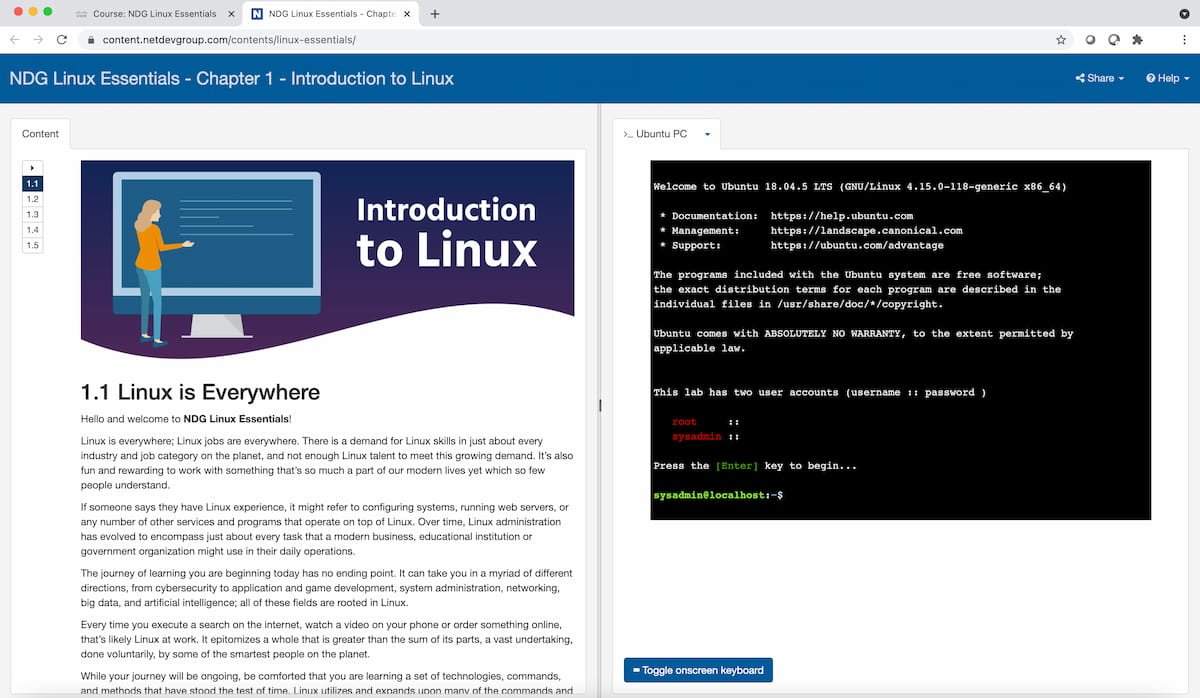
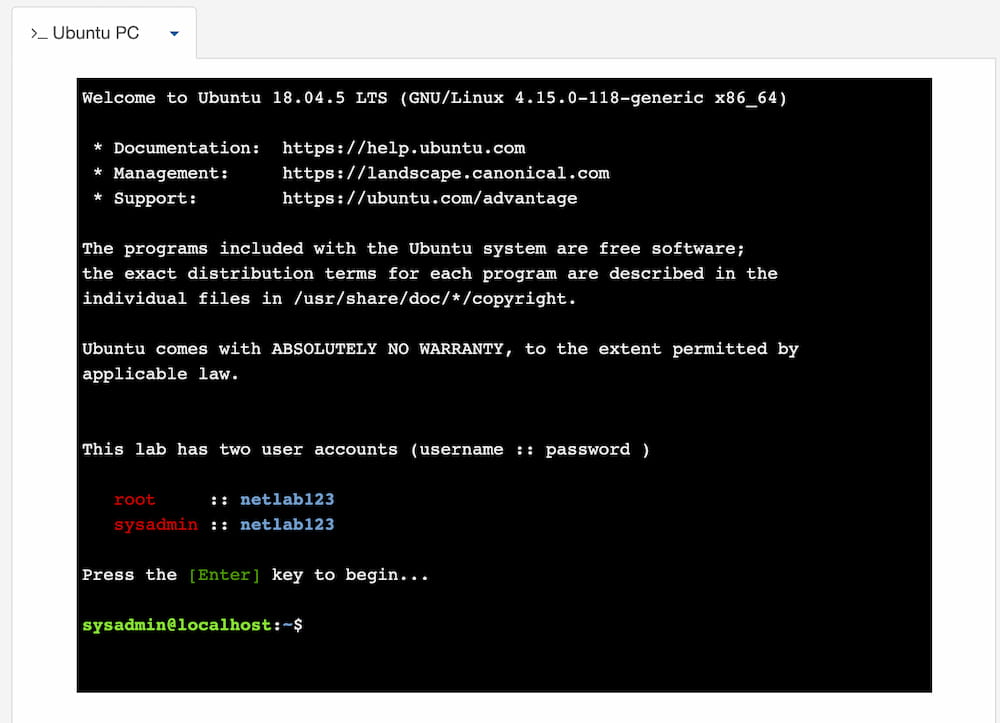
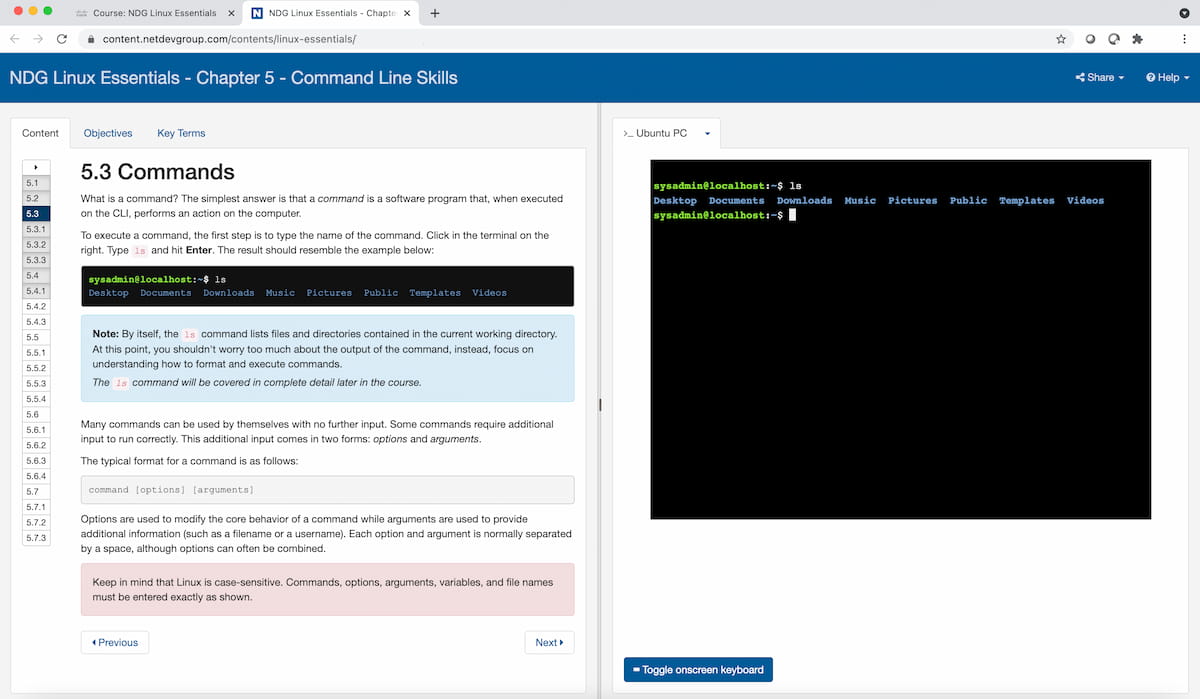
NDG Linux Essentials introduces the Linux operating system, open-source concepts, and the Linux command line. You'll work through step-by-step labs in a live Linux virtual machine to practice file management, command-line navigation, and basic scripting.
Course Features
- Build foundational Linux command-line skills
- Practice on real Linux virtual machines while studying aligned content
- Prepare for the LPI Linux Essentials Certificate (010-160)
- Built-in quizzes and tests for immediate feedback
What you'll learn
Course outline
Getting Started
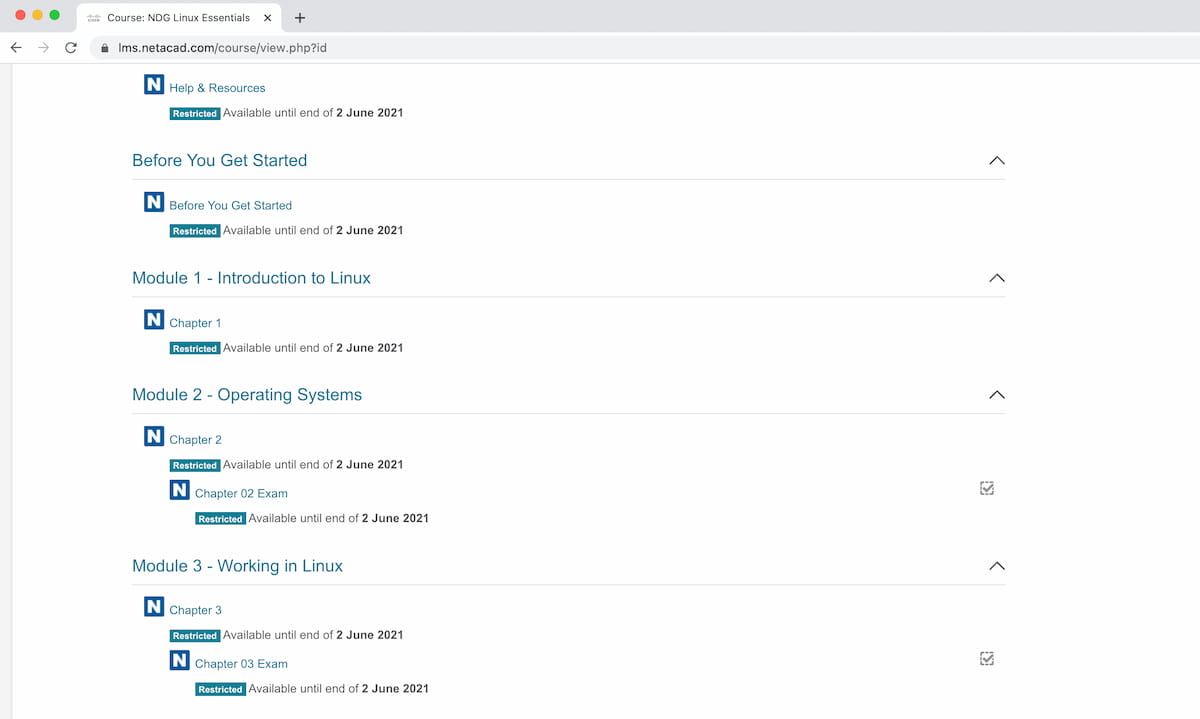
Module 1 - Introduction to Linux
This Chapter is an introduction to basic Linux concepts.
Module 2 - Operating Systems
Module 3 - Working in Linux
Module 4 - Open Source Software and Licensing
Module 5 - Command Line Skills
Module 6 - Getting Help
Module 7 - Navigating the Filesystem
Module 8 - Managing Files and Directories
Module 9 - Archiving and Compression
Midterm Exam
Module 10 - Working with Text
Module 11 - Basic Scripting
Module 12 - Understanding Computer Hardware
Module 13 - Where Data is Stored
Module 14 - Network Configuration
Module 15 - System and User Security
Module 16 - Creating Users and Groups
Module 17 - Ownership and Permissions
Module 18 - Special Directories and Files
Final Exam
Challenge Labs
Introducción a Linux
What's in this course
Course preview
Prerequisites
- No prior Linux experience required
- Basic computer literacy and familiarity with any operating system
Best for
- Beginners exploring a career in Linux system administration
- Professionals who want foundational Linux command-line skills
- Learners preparing for the LPI Linux Essentials (010-160) certification
- Organizations onboarding staff to Linux-based environments
Certification
This course aligns to the LPI Linux Essentials Certificate (010-160), covering the following topics:
- Free and open-source software (FOSS), communities, and licenses
- Open-source applications in the workplace
- Hardware, processes, programs, and components of the Linux operating system
- Command-line navigation and file management
- Compressed backups and archives
- System security, users/groups, and file permissions
- Basic shell scripting
Resources & support
NDG Online provides technical support specifically related to the functionality of the lab environment only. Any questions or concerns regarding the learning material or lab content must be directed to your instructor. Self-paced learners who find they require additional support are encouraged to seek out a course at a local academic institution.
Instructor information
Linux Essentials is available through Cisco Networking Academy as an instructor-led or self-paced course.
Join the Cisco Networking Academy
Learn more about Linux Essentials