Proxmox VE 8: Setup and Management
Install and configure Proxmox VE, deploy virtual machines and containers, and manage storage and backup solutions through hands-on labs.
About this course
Course Details
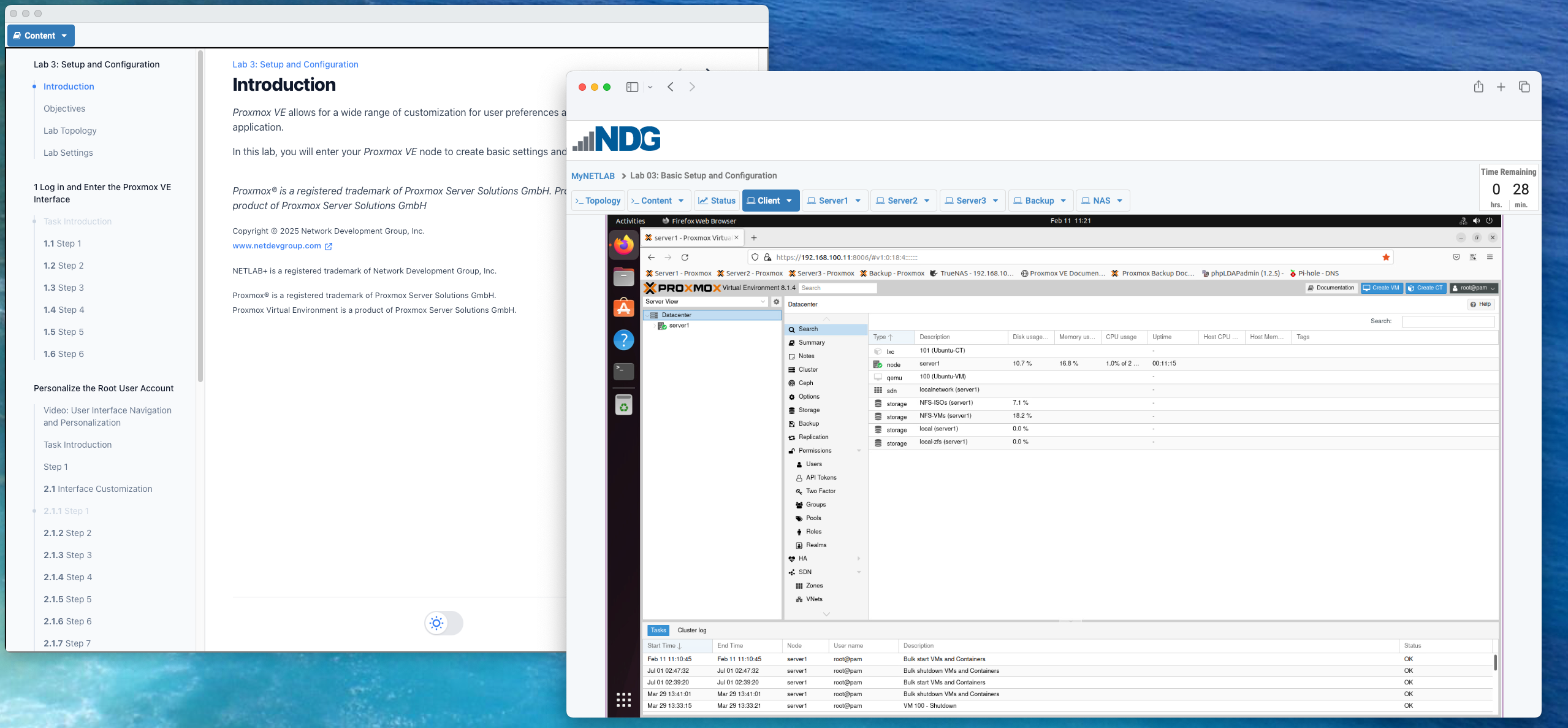
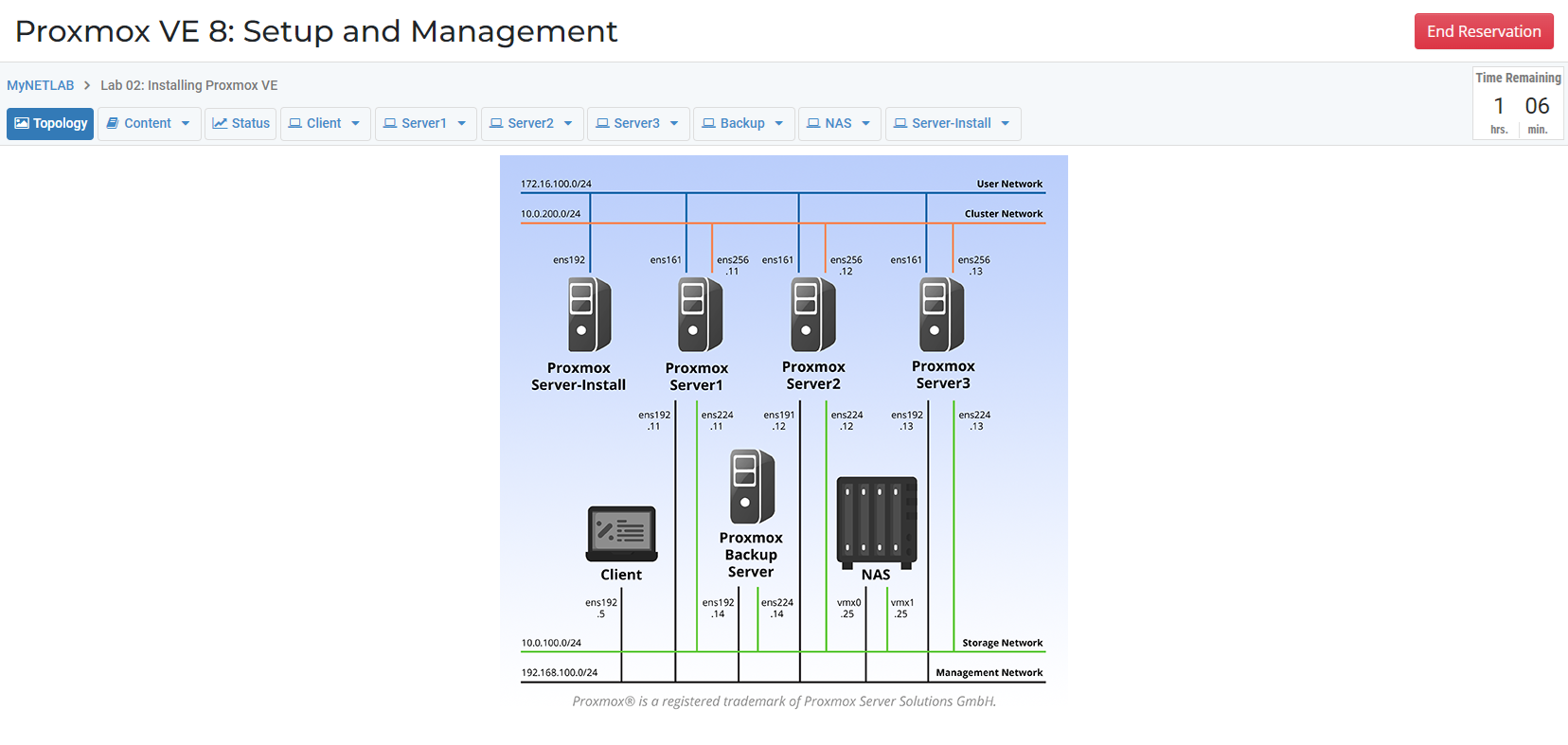
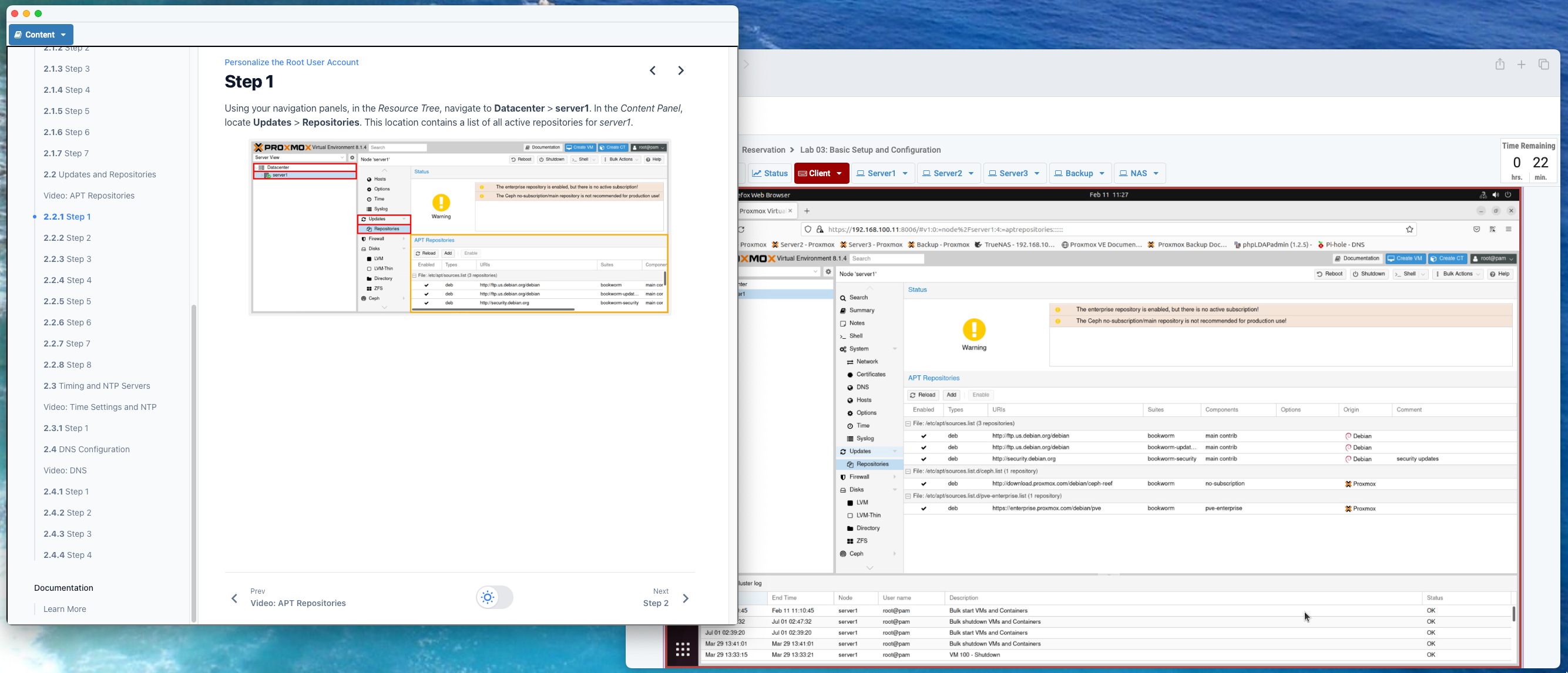
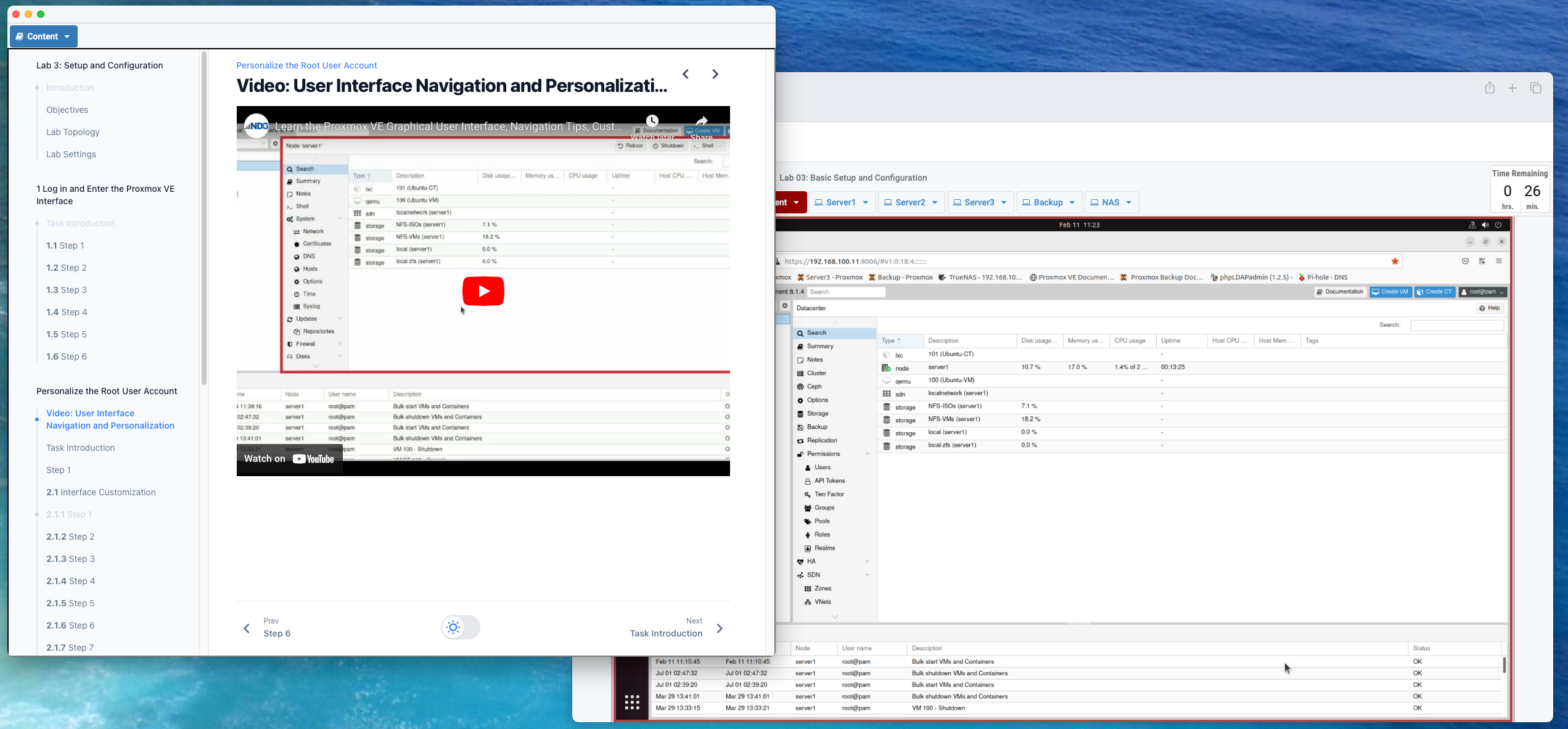
Proxmox VE 8: Setup and Management covers installation, configuration, and day-to-day management of Proxmox VE. You'll deploy and modify virtual machines and containers, configure storage backends, and implement backup solutions in a fully configured lab environment.
NDG provides a ready-to-use Proxmox VE environment. No local installation required. Academic institutions can use these labs to teach open-source virtualization with Proxmox VE.
Interactive Content
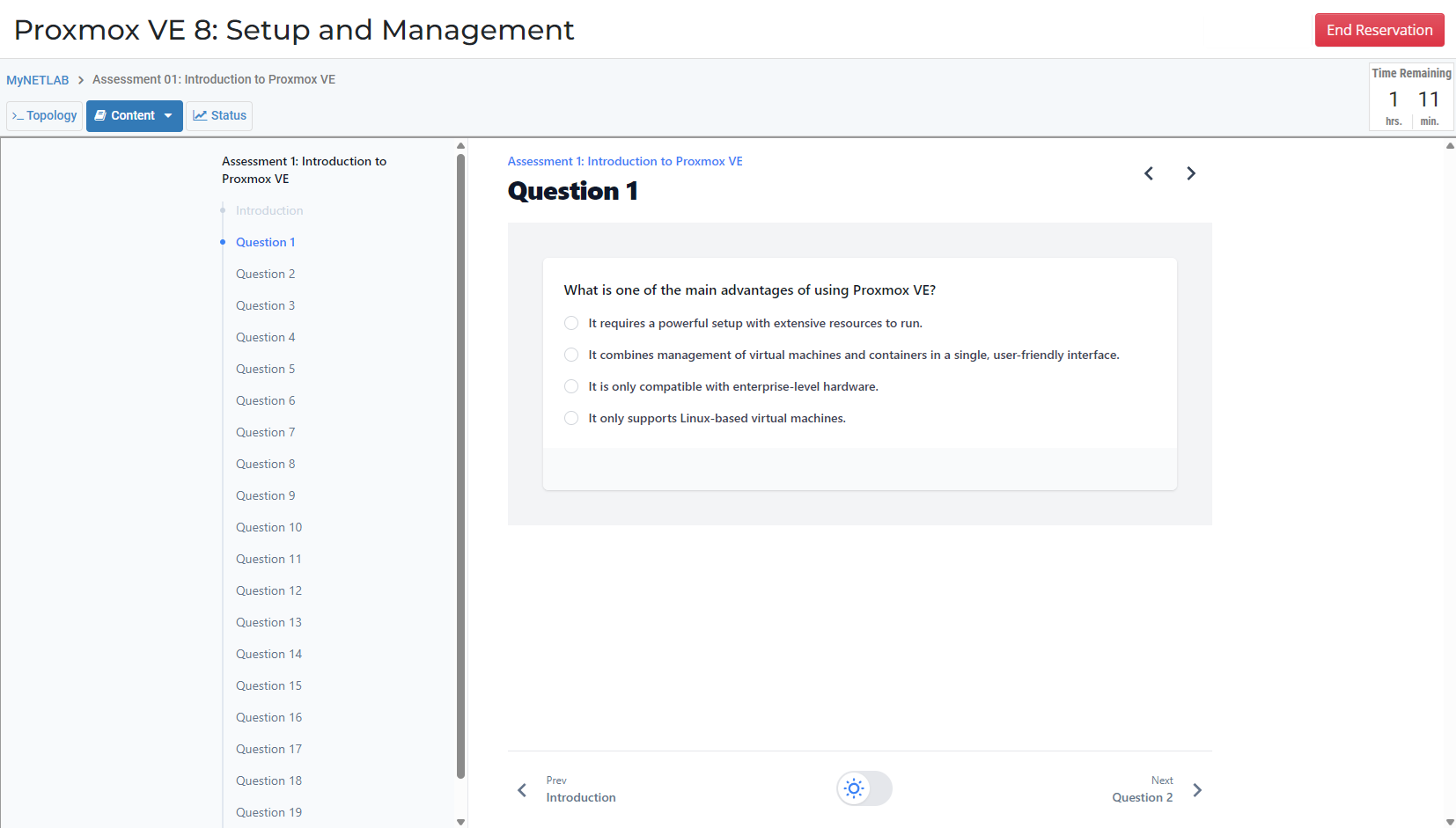
This course includes interactive content delivered through NDG's HTML5 content viewer: lab exercises, videos, assessments with grading, integrated questions with instant feedback, and challenge labs.
What you'll learn
Course outline
Labs
Assessments
What's in this course
Course preview
Prerequisites
- Basic Linux command-line familiarity
- Understanding of general virtualization concepts (VMs, hypervisors)
- Completion of Cloud and Virtualization Concepts or equivalent recommended
Best for
- IT professionals learning to deploy and manage Proxmox VE clusters
- System administrators exploring open-source virtualization platforms
- Learners preparing to manage VMs and containers in production environments
- Organizations evaluating Proxmox VE as a virtualization solution
Resources & support
Common questions
Do I need my own Proxmox server?
No. The labs provide a Proxmox VE environment that runs in your browser. You deploy VMs, containers, storage, and networking without any hardware of your own.
Is this course useful for teams moving off VMware?
Yes. Many organizations are adopting Proxmox VE as their VMware replacement, and this course covers the deployment and management skills that transition requires.
How long do I have access?
Your purchase includes 4 months of access to the course content and labs. Learners with an academic (.edu) email qualify for reduced pricing.